

Everyone faces challenges when applying for jobs but not getting calls. Many candidates send applications to more than 100 jobs, yet they don’t receive even a single response.
Have you ever sat and thought about why this is happening? Even though you have hands-on experience, knowledge, and skills, you are still not getting calls from any company. You start wondering what is going wrong. The truth is, it’s not your fault — it’s your resume.
Most companies receive 1,000+ resumes every single day. Now think from an HR’s perspective: how can they sort all these resumes and find the perfect candidate? It’s simply not possible to check each one manually.
Imagine you walk into a restaurant and receive a menu with around 1,000 varieties. At first, you’ll feel confused. You won’t know what to choose or where to start. In that situation, you will try to sort things quickly with some help or filters to find the best option.
The same thing happens here. HR teams also face confusion when thousands of resumes arrive every day. To handle this, they take the help of software. This software sorts resumes using keywords and structure, helping them filter and finalize the best candidates quickly.
Now wondering how your CV gets selected through this process?
Table of Contents
What Is An ATS Resume?
Before you start creating your resume, it’s important to understand what an ATS resume is. An ATS resume is designed in a clear and structured way so it has a better chance of getting shortlisted. Today, most companies use Applicant Tracking System (ATS) software to manage job applications because they receive hundreds or even thousands of resumes for a single role. Instead of checking each resume manually, this system scans and ranks resumes based on how well they match the job requirements and keywords mentioned in the job description.
Different Types ATS Resumes
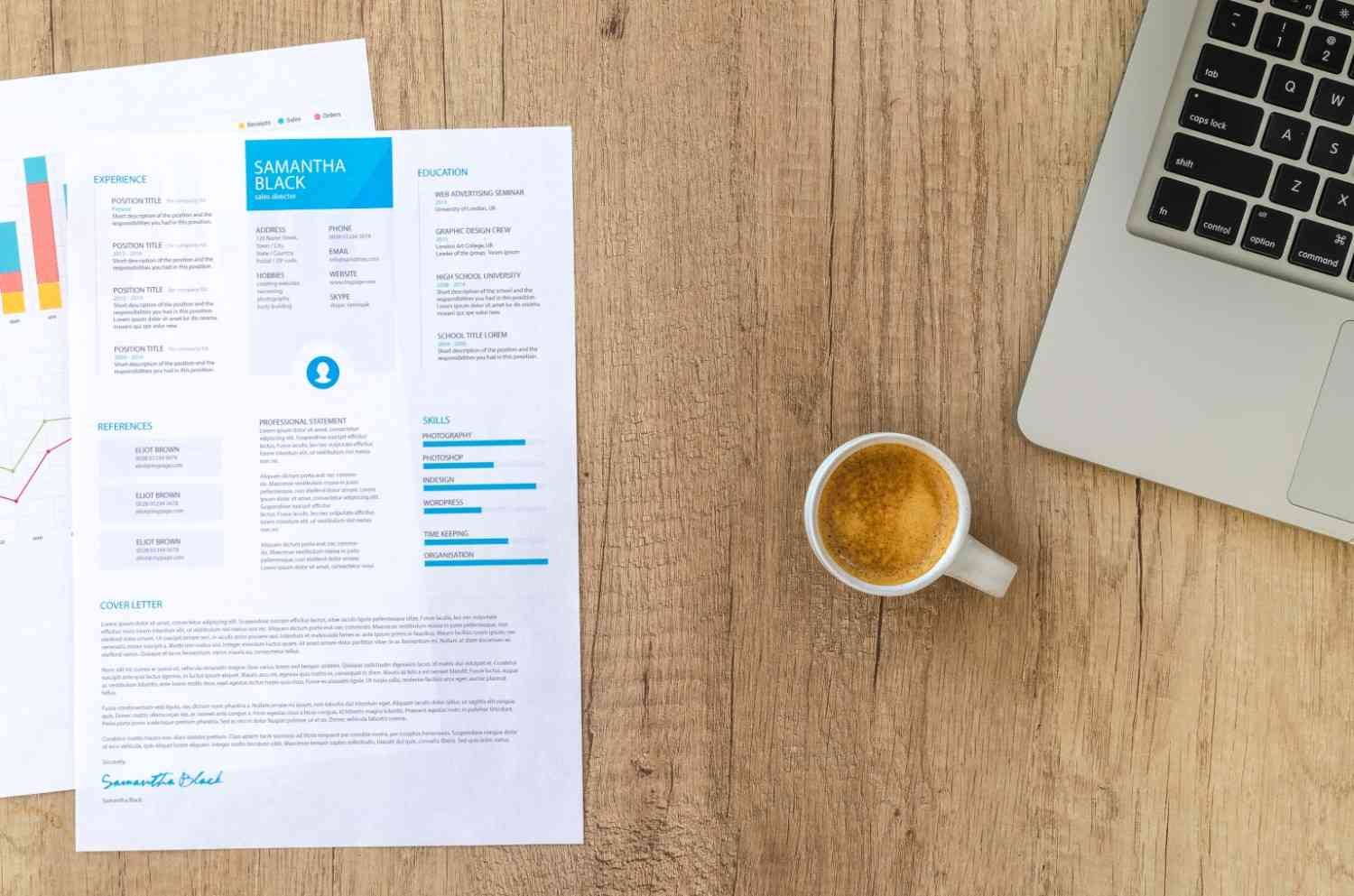
1. Chronological (Reverse Chronological)
This is the most commonly used and recommended resume format. It presents your work experience starting from your most recent job and then moves backwards. This format clearly shows your career growth, promotions, and stability, making it easy for recruiters and ATS systems to understand your professional journey.
2. Combination / Hybrid Resume
A combination resume highlights both your skills and work experience. It usually begins with a strong skills section and then provides your work history in chronological order. This format works well for professionals who want to showcase their key strengths while also maintaining a clear record of their career path.
3. Functional Resume
A functional resume focuses more on your skills and abilities rather than your job timeline. It is useful for those who want to highlight specific talents or are changing careers. Although some recruiters prefer chronological resumes, this format can still perform well if it includes proper keywords and a clean structure that ATS systems can read easily.
4. Entry-Level and Senior-Level Resume Formats
Resume structure can also depend on your experience level. For freshers or entry-level candidates, education, certifications, and training are often highlighted first to show their foundation and potential. For senior professionals, resumes usually focus on years of experience, key achievements, leadership roles, and major contributions. Choosing the right format based on your career stage helps present your profile in the best possible way.
Steps to create ATS Resume

1. Choose a simple and professional template
Your resume is the first impression you create with an employer. To improve your chances of getting shortlisted, focus on a clean layout and clear content. Avoid using heavy graphics, images, charts, or complex designs because many ATS systems cannot read them properly. Use a professional template with minimal colours, simple fonts, and a well-organised structure so the system can easily scan your details.
2. Structure your resume with clear sections
An ATS-friendly resume should follow a proper structure so the software can read and process the information easily. Avoid placing important details inside headers or footers, as some systems may not scan them. Keep your contact details, experience, and skills within the main body of the resume.
Key sections to include:
- Heading: Add your name and job title in a clear, bold, and professional font.
- Professional Summary: Write two to three lines about your experience, skills, and career focus. Adjust this summary based on the job you are applying for.
- Education and Experience: Depending on your level, highlight education first (for freshers) or experience first (for experienced candidates). Mention roles, responsibilities, and achievements clearly.
- Skills: Add relevant skills based on the job requirement. Divide them into categories such as technical skills and soft skills to make them easier to read.
3. Use the right keywords
Most companies add specific keywords to their hiring system based on the job role. These keywords are usually found in the job description. If your resume does not include relevant terms, it may not get shortlisted. Carefully read the job description and include role-specific and industry-specific keywords naturally in your resume. Avoid keyword stuffing; use them in a meaningful and relevant way.
4. Add clear and specific details
When mentioning your previous roles, be clear and specific about what you did. Highlight your responsibilities, achievements, tools used, and results delivered. Even if you are applying within the same field, every job role may have different expectations. Understanding the job description and tailoring your resume accordingly can increase your chances of getting selected.
5. Save your resume in the correct format
Different companies and ATS platforms may accept different file formats. PDF is commonly accepted because it keeps the layout consistent. However, some companies may ask for a Word file (.doc or .docx). Always check the required format before submitting your resume and keep your resume ready in multiple formats.
Basic ATS-Friendly Resume Template
Name and Professional Title
Phone Number | Email Address | Location

Professional Summary

Write two to three sentences highlighting your experience, key skills, and career focus.

Work Experience

Job Title – Company Name | Employment Dates

Mention your responsibilities and achievements clearly

Use action words and include measurable results where possible

Add relevant tools and skills used in the role

(Repeat for previous roles)

Skills

Technical Skills: List relevant tools and software

Soft Skills: Communication, teamwork, leadership, etc.

Education

Degree | Institution Name

Location

Certifications (Optional)

Certification Name – Year
How to Avoid Mistakes While Writing an ATS Resume

1. Avoid Using Complicated Design Templates
Many job seekers choose visually attractive resume templates with graphics, icons, and multiple colours. While these designs may look impressive, they can confuse ATS software and make your resume difficult to read. A simple and professional format always works best. Use clean fonts, clear headings, and a structured layout so your resume can be easily scanned by both software and recruiters.
2. Don’t Send the Same Resume for Every Job
Every job role has different requirements. Sending one generic resume to all job applications can reduce your chances of getting shortlisted. Take a few minutes to read the job description carefully and adjust your resume accordingly. Adding relevant skills, tools, and experience based on the role shows that your profile matches what the company is looking for.
3. Missing Keywords Can Cost Opportunities
Most ATS systems scan resumes using keywords from the job description. If your resume does not include these keywords, it may not appear in search results. Include role-specific skills, tools, and industry terms naturally in your resume. Avoid overusing keywords; instead, use them in a meaningful way that reflects your experience.
4. Placing Important Details in Headers or Footers
Some ATS software cannot read information placed in headers or footers. Keep your contact details, skills, and experience in the main body of the resume. This ensures that all important information is properly scanned and considered.
5. Writing Long and Unclear Paragraphs
Recruiters often spend only a few seconds reviewing a resume. Long paragraphs make it difficult to quickly understand your profile. Use short sentences and bullet points to explain your responsibilities and achievements. Clear and concise content improves readability and creates a better impression.
6. Not Highlighting Achievements
Listing only job responsibilities does not fully show your value. Employers want to know how you contributed to your previous roles. Mention achievements, completed projects, or improvements you made. Even simple results or outcomes can help your resume stand out.
7. Ignoring Spelling and Grammar
Spelling and grammar mistakes can make your resume look unprofessional. Always review your resume before sending it. A well-written resume reflects attention to detail and professionalism.
8. Using Unprofessional Contact Information
Your contact details create the first impression. Use a professional email address that includes your name. Avoid casual or outdated email IDs that may appear unprofessional.
9. Sending Resume in the Wrong Format
Most employers accept resumes in PDF format because it keeps the layout consistent. However, some may request a Word document. Always check the job instructions and send your resume in the required format to avoid rejection.
10. Not Updating Your Resume Regularly
Your resume should reflect your current skills and experience. Update it whenever you complete a new course, certification, or project. An updated resume shows growth and keeps you prepared for new opportunities.
Why Portfolio and Cover Letter Matter?
This structure keeps your resume clean, readable, and easy for ATS systems to scan, increasing your chances of getting shortlisted.
Getting shortlisted through your resume is only the first step in the hiring process. To truly stand out and secure an interview, you need more than just a resume. A strong portfolio that showcases your real work, projects, and achievements can create a much stronger impact than a resume alone. While a resume helps you enter the room, your portfolio is what truly speaks for your skills, creativity, and practical experience. It gives employers clear proof of what you can do and helps them understand your capabilities beyond written points.
A well-prepared portfolio can often become the deciding factor in whether you are invited for an interview or not. It builds trust and shows confidence in your work. Along with this, a properly written cover letter can also play an important role. In some cases, a strong cover letter helps you stand out from other applicants by clearly explaining your interest in the role and how your skills match the company’s needs. Together, a professional resume, a strong portfolio, and a thoughtful cover letter create a complete profile that increases your chances of getting noticed and moving forward in the hiring process.
How to Check Your ATS Resume Score
To check your ATS resume score, you can use online resume checker tools such as Jobscan, Resume Worded, or Enhancv. These platforms analyse your resume based on structure, keyword relevance, readability, and formatting. By comparing your resume with the job description, they provide a score that shows how well your profile matches the role requirements. Make sure your resume includes job-specific keywords, clear headings, and measurable achievements, as these elements help improve your ATS performance and increase shortlisting chances.
If you are unsure how to improve your score, professional guidance can make the process easier. Growxi also helps candidates analyse and improve their ATS resume score by optimising keywords, structure, and overall presentation based on specific job roles. Their team focuses on creating niche-based, ATS-friendly resumes that perform better in recruiter searches and modern hiring systems, helping you move closer to interview opportunities.
Need Help Creating an ATS Resume?
If you are finding it difficult to create an ATS-friendly resume on your own, getting professional support can make the process much easier. Many job seekers struggle with structuring their resume, choosing the right keywords, and presenting their experience in a way that matches modern hiring systems.
Yes, there is a professional team that can help you create an ATS-friendly resume based on your specific job niche.
Growxi offers specialised services to build resumes that match modern hiring requirements and Applicant Tracking System standards. Their team focuses on creating structured, keyword-optimised resumes tailored to different industries and job roles. By understanding your experience, skills, and career goals, they design resumes that align with your target job profile and improve shortlisting chances.
With niche-based customisation and professional formatting, Growxi helps candidates present their profiles clearly and professionally, increasing visibility in recruiter searches and ATS systems.
Frequently Asked Questions
u003cstrongu003eWhy am I not getting interview calls even after applying to many jobs?u003c/strongu003e
Many companies receive a high volume of applications every day. If your resume is not properly structured or does not include the right keywords related to the job role, it may not pass through ATS screening or attract recruiter attention.
What is an ATS-friendly resume?
An ATS-friendly resume is a professionally structured resume designed to be easily scanned and understood by Applicant Tracking System software. It uses clear headings, relevant keywords, and a simple format to improve shortlisting chances.
How important are keywords in a resume?
Keywords play a critical role because ATS software scans resumes based on job-specific terms. Including relevant skills, tools, and industry keywords from the job description increases the chances of your resume getting shortlisted.
u003cstrongu003eWhich resume format is best for ATS systems?u003c/strongu003e
The reverse chronological format is the most preferred by recruiters and ATS systems. It highlights your latest experience first and clearly shows your career growth and stability.
Can design-heavy resumes affect shortlisting?
Yes. Resumes with heavy graphics, charts, icons, or complex layouts may not be properly read by ATS software. A clean and simple format improves readability and increases selection chances.
Should I customise my resume for every job application?
Yes. Customising your resume based on each job description helps match keywords and role requirements. Tailored resumes perform better in ATS ranking compared to generic resumes.
Is a resume alone enough to get shortlisted?
A resume helps you enter the screening process, but adding a strong portfolio or project proof can significantly improve your chances of getting interview calls and standing out from other applicants.
What file format should I use while sending a resume?
PDF is widely accepted because it maintains formatting across devices. However, some companies may request Word format (.doc or .docx), so always check the job instructions before submitting.
How long should an ATS resume be?
For freshers and entry-level candidates, one page is usually sufficient. For experienced professionals, a well-structured two-page resume is acceptable and commonly preferred.
What are the common mistakes to avoid in an ATS resume?
Avoid using heavy design templates, missing keywords, sending the same resume to all jobs, adding incorrect information, or using unclear formatting. A clean, keyword-focused, and structured resume performs best.